USE CASE · INDUSTRY

AI production scheduling: a plan that holds up despite disruptions

A schedule recalculated in minutes, with every rush order

Every morning, the schedule is rebuilt by hand, and the first rush order breaks it. AI recalculates the schedule with every disruption, respecting your shop floor constraints, and shows the shop manager what is changing: they make the call instead of rebuilding everything.

The challenge

In a factory, the schedule drives everything: lead times met, changeovers, overtime. Yet it is often still built by hand, in a spreadsheet, by one or two people.

  • 01

    The schedule is rebuilt several times a day: one rush order, a breakdown or late material, and everything has to be redone.

  • 02

    The launch sequence could be far better: fewer changeovers, less waiting between workstations, more orders delivered on time.

  • 03

    Scheduling know-how rests on a single person: when they're away, the shop floor is flying blind.

  • 04

    The data already exists in the ERP, the MES and spreadsheets, but no one has time to cross-check it before deciding.

How AI solves this problem

AI pulls in your work orders, machine capacities and constraints, calculates the best launch sequence, then recalculates it with every disruption. The shop manager sees what changes, then validates or adjusts. They no longer rebuild the schedule; they make the calls.

The technical building blocks

Data retrieval from your ERP, MES and files. Optimization engine configured for your real constraints (capacities, changeover times, customer priorities). Replay of your past schedules to measure the gain before go-live. Validation interface for the shop manager. Sovereign hosting or on your servers.

The data used

Your work orders and order book, your routings and production times, machine capacities and availability, changeover times, material stock, and the history of your disruptions. We start with exports, then automate data retrieval once it works.

AI production scheduling diagram: order book, shop floor constraints, AI calculation, adjusted schedule
  1. Order book

  2. Shop floor constraints

  3. AI calculation

  4. Adjusted schedule

Expected benefits

  • A schedule recalculated in minutes.

    The morning rush order no longer costs half a day of replanning.

  • Lead times met more reliably.

    The launch sequence is optimized to deliver on time, not just to keep machines busy.

  • Fewer changeovers.

    Runs are grouped intelligently, and the machine time saved goes back into production.

  • Know-how that no longer depends on one person.

    Scheduling rules are written into the tool, so the shop keeps running even when the planner is away.

Why StratIA

  • Sovereignty.

    Your data stays in France, hosted with OVH or Scaleway, or even on-premise. Sovereign models (Mistral) when relevant. GDPR and AI Act compliance built in from the design stage.

  • French team.

    A French team dedicated to your project. Short cycles, weekly demos, continuous user validation. No offshoring, no black box.

  • Defined ROI.

    ROI is quantified from scoping, the scope is clear, go/no-go decisions are transparent. You know what you're paying and what you're gaining before you start.

They trust us

  • Accessite logo, a StratIA client
  • Hello Prépa logo, a StratIA client
  • Bastide Manutention logo, a StratIA client
  • Paymetrust logo, a StratIA client
  • Comité National Olympique et Sportif Français logo, a StratIA client
  • Union des Marchands de Biens logo, a StratIA client
  • Ordre des Géomètres-Experts logo, a StratIA client
  • BTP Ingénierie logo, a StratIA client
  • EM Lyon Business School logo, a StratIA client
  • Logo of a StratIA client
  • Fandi logo, a StratIA client
  • Caratelli logo, a StratIA client
  • Maison Colombo logo, a StratIA client
  • Colibrimm logo, a StratIA client
  • Ligue Occitanie de Tennis logo, a StratIA client
  • Disney logo, a StratIA client

Expert perspectives

“Scheduling is where a factory loses the most margin without noticing: changeovers, delays, overtime. AI doesn't decide in place of the shop manager; it shows them the best possible schedule in minutes.”

  • Portrait of Yoan Hibert

    Yoan Hibert

    Co-founder & CEO

    Profile
  • Portrait of Baptiste Wieczorek

    Baptiste Wieczorek

    Co-founder & CTO

    Profile

Our method: learn, decide, deploy

You see the whole path from the start, and you only buy the first step. Each step has value on its own and prepares the next.

  1. Learn

    Bootcamp

    For whom: your teams first need to understand what AI changes in their work.

    One hands-on day, on site or remote, on your company's tool (Copilot, ChatGPT, Gemini, Claude), tailored to your industry and your team's level. Your teams build their first AI agents during the day and leave with the business use cases to tackle first.

    Price:
    €2,500 excl. VAT per group (up to 15 people), fundable through your OPCO (French training funds). Bootcamp+ version with follow-up of the same team over three months: €4,000 excl. VAT per group.
  2. Decide

    Bpifrance Diag Data IA

    For whom: you know AI matters, but not where to apply it first.

    A Bpifrance-accredited expert analyzes your organization and workflows, quantifies the value pools using your real numbers and gives you, for each one, the right path: do it yourselves, train a team, or deploy a tool.

    Price:
    €10,000 excl. VAT, 40% covered by Bpifrance, leaving €6,000 to pay (independent SME and mid-sized companies with 10 to 2,000 employees and at least €1M in revenue).

    Not eligible, or need something more focused? The AI audit, one day centered on your use cases, €3,000 excl. VAT.

  3. Deploy

    An AI agent on your workflow

    For whom: you want a result that runs, on the workflow that costs you the most (quotes, quality control, maintenance, documentation, reporting).

    We set up the agent on your existing tools (ERP, MES, CMMS), your teams approve its proposals, and it improves with every correction.

    Price:
    setup priced as a firm quote after the diag or the audit, then a subscription to keep it evolving.

An example

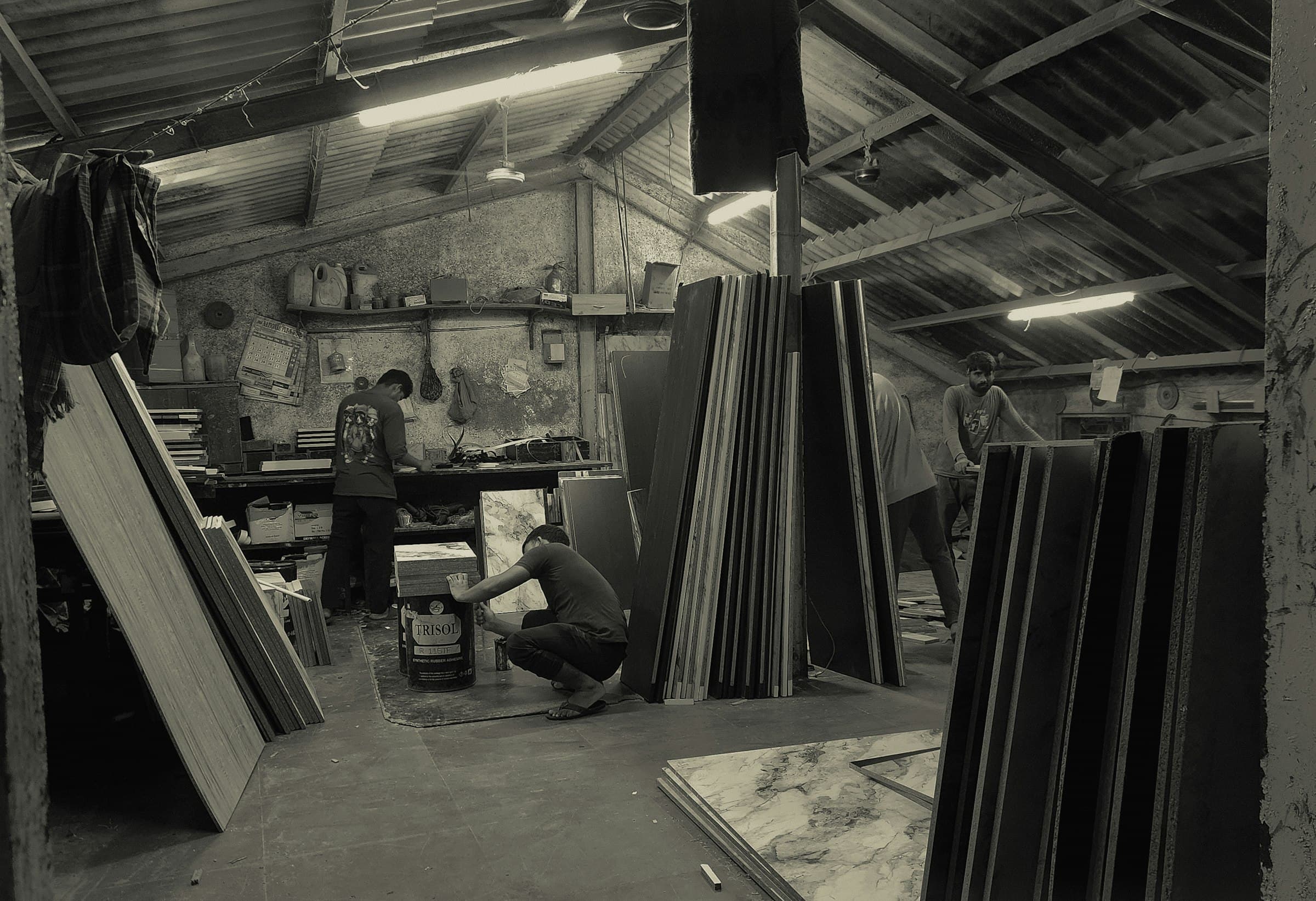
A busy manufacturing workshop, in black and white

Example · Metalworking

A schedule that absorbs disruptions instead of suffering them

Take a metalworking manufacturer whose launch sequence can be significantly optimized. We start with a pilot phase on exports of its data to choose the right approach, then automate data retrieval. AI recalculates the schedule with every disruption, and the manager validates.

  • 2 to 3 months

    from pilot phase to go-live

  • +5 points

    in service level

  • Planning team

    freed up

Discuss a similar project
A workshop crowded with boxes and machines

Let's discuss your AI project

The questions business leaders ask us most

What is AI production scheduling?

It's a tool that calculates the best launch sequence for your work orders, taking your real constraints into account, and recalculates it with every disruption. The manager keeps the final decision.

Do we need to replace our ERP or buy planning software?

No. AI plugs into your ERP, MES and files without replacing them.

What data do we need to get started?

Your work orders, routings, machine capacities and changeover times. We start with simple exports, without connecting to your systems.

How can we know the gain is real before investing?

We replay your past schedules with AI and compare the result with what the shop actually produced. You see the gain on your own numbers.

How long does it take to set up?

Allow 2 to 3 months from pilot phase to go-live, depending on the complexity of your shop floor and the state of your data.

Does the shop manager lose control?

No. AI suggests; they validate or adjust. They spend less time rebuilding the schedule and more time making the calls.